Five AI tools
Viral Clone, Product Photo, Photo to Video, Text to Video and AI Voiceover, connected through one interface.
 CodesKitchen← Back to homeStart a project ↗
An AI content platform built for creators and ecommerce teams.
CodesKitchen developed a full stack platform that brings video generation, product photography and AI voiceovers into one connected workflow, with English and Chinese language support.
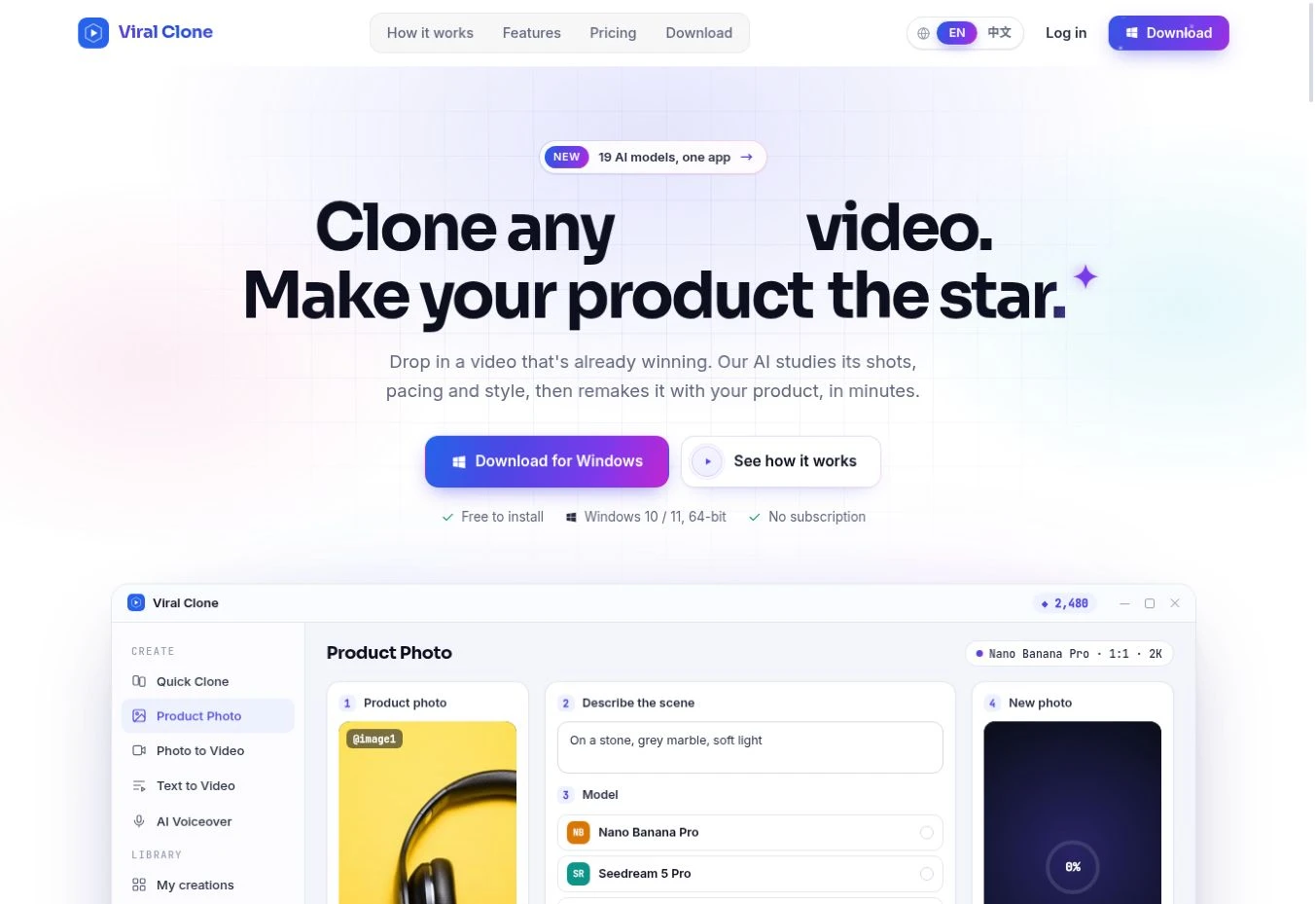
The project brought multiple AI generation tools, reference imports and account workflows into a single product. The interface needed to serve English and Chinese users across computers and phones while making generation costs clear.
Viral Clone, Product Photo, Photo to Video, Text to Video and AI Voiceover, connected through one interface.
Reference video imports, product information imports, model selection and three creative hook variations.
Generation costs shown in advance, recharge packages, points history and automatic refunds for failed generations.
View, filter, download and delete generated content, with personal account controls and activity statistics.
A central panel for users, orders, creations and platform statistics, with account management and error visibility.
A responsive English and Chinese web platform with a companion desktop application.
Interface design, frontend and backend development, AI integrations, authentication, billing workflows, desktop application and server deployment. API credentials are handled on the server, with rate limits and protected import workflows.
Viral Clone combines video, image and voice tools with website and Windows desktop experiences. For a similar AI platform, connect the user’s input, generation request and finished output in the development brief rather than treating each screen as an isolated feature.
Define which tools belong in the first release, how accounts and usage should be managed, which providers supply each capability and what users should see when a request cannot complete. Include ongoing provider costs, testing and support responsibilities in the scope discussion.
Use our AI software project planning guide to prepare those decisions, then explore our custom software and SaaS development services for implementation.
Share your users, workflows and product goals. We’ll help you plan the features, integrations and development approach for your AI platform.
Use our SaaS MVP planning guide to define your users, essential features and launch priorities, with a practical example and a checklist you can use for your own brief.
Share the tools you want to offer, your account and billing requirements, and the core workflow for your first release.